
Working from home sounds comfortable until you spend eight hours hunched over a laptop at the kitchen table wondering why your shoulders suddenly feel permanently tight. That was basically my situation for most of 2022. I thought discomfort was just part of remote work, especially because I did not have space for one of those perfectly designed office setups you see online with massive desks, designer chairs, and floor-to-ceiling windows.
The reality turned out to be much simpler. A few thoughtful ergonomic changes made a bigger difference than buying expensive furniture ever could. Once I adjusted the desk height, improved the lighting, repositioned my monitor, and stopped treating posture like an afterthought, my workspace became noticeably more comfortable and easier to use for long hours.
This article is not about building a luxury office. It is about creating an ergonomic home office setup that supports your body properly, fits into a real home, and actually feels comfortable during everyday work. Whether you work from a dedicated office, a bedroom corner, or part of your dining room, these ideas can make a noticeable difference without requiring a full renovation.
1. Start With the Chair Before Anything Else
Most people focus on the desk first, but the chair affects comfort more than almost anything else in a home office.
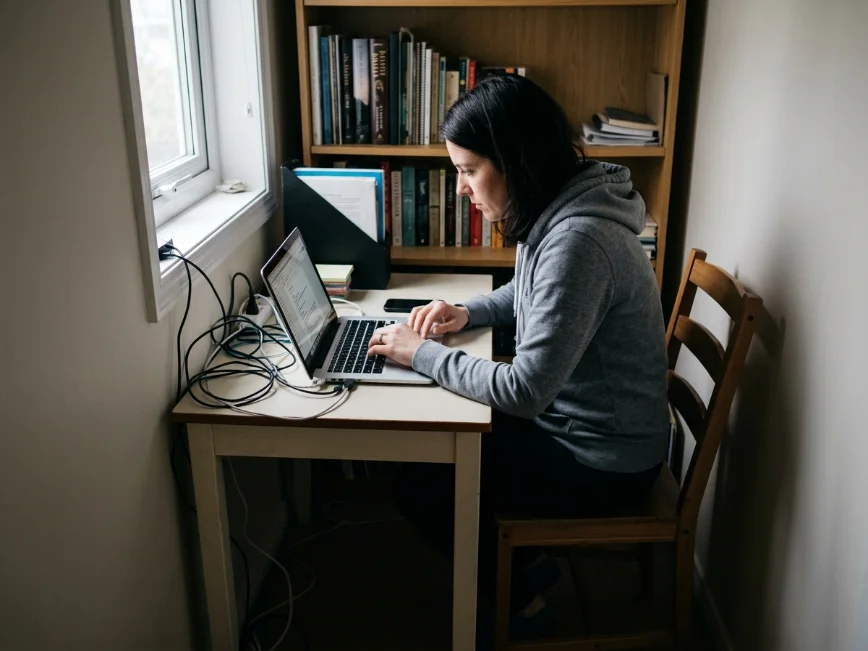
For a long time, I used a basic dining chair because it looked clean and simple in the space. After a few months, my lower back completely disagreed with that decision. The problem was not just the lack of cushioning. The chair forced my posture into awkward positions for hours at a time.
A good ergonomic chair supports the natural curve of your spine, allows your feet to rest flat on the floor, and keeps your knees roughly level with your hips. Adjustable armrests also help reduce tension in the shoulders during long work sessions.
That does not automatically mean you need a thousand-dollar office chair. Plenty of mid-range options provide excellent support if they include proper lumbar support and height adjustment.
If buying a new chair is not possible yet, small adjustments still help. A lumbar pillow, folded towel behind the lower back, or footrest under the desk can noticeably improve posture and comfort.
The chair is where your body spends most of the workday. Getting that foundation right changes everything else.
2. Position the Monitor at Eye Level
One of the biggest ergonomic mistakes in home offices involves monitor height.
Laptop screens naturally sit too low, which causes people to tilt their neck downward for hours. I did this constantly without realizing how much strain it created until I started getting regular neck tension at the end of the day.
Raising the screen to eye level immediately improves posture because your neck stays in a more natural position.
You do not need fancy equipment for this either. Before buying a proper monitor stand, I used a stack of hardcover books under my laptop for months. It looked slightly improvised, but it worked surprisingly well.
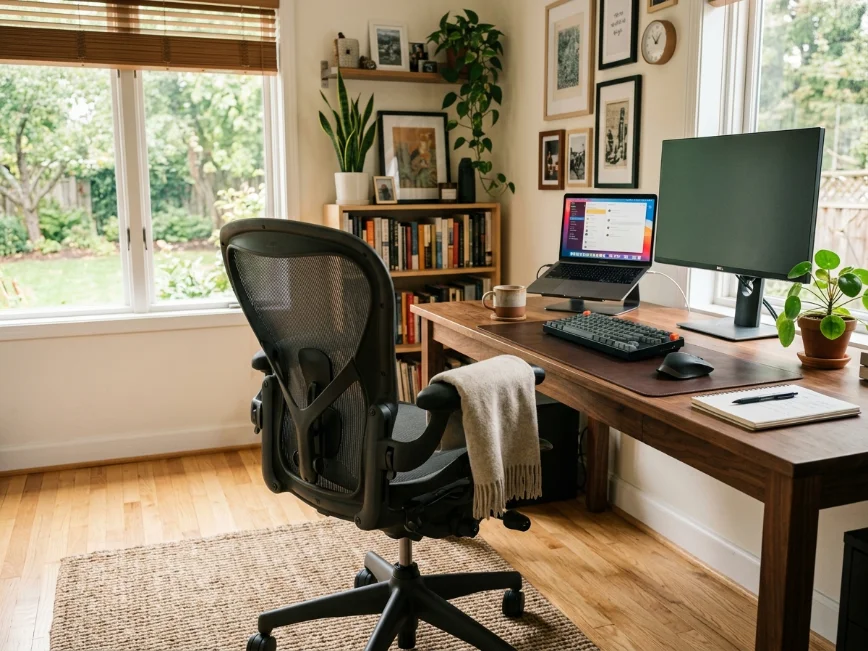
If you use an external monitor, the top third of the screen should generally sit around eye level while seated comfortably. The monitor should also stay roughly an arm’s length away from your face.
Once the screen sits at the correct height, pairing it with a separate keyboard and mouse makes the setup dramatically more comfortable.
Small ergonomic adjustments often feel minor at first, but over long workdays they make a huge difference.
3. Lighting Matters More Than Most People Realize
Bad lighting quietly makes workspaces feel exhausting.
For months, my desk sat in the darkest corner of the room because that layout looked best visually. By late afternoon, I constantly felt tired, and headaches became common during long screen sessions.
Moving the desk closer to natural light changed the atmosphere of the entire workspace almost immediately.
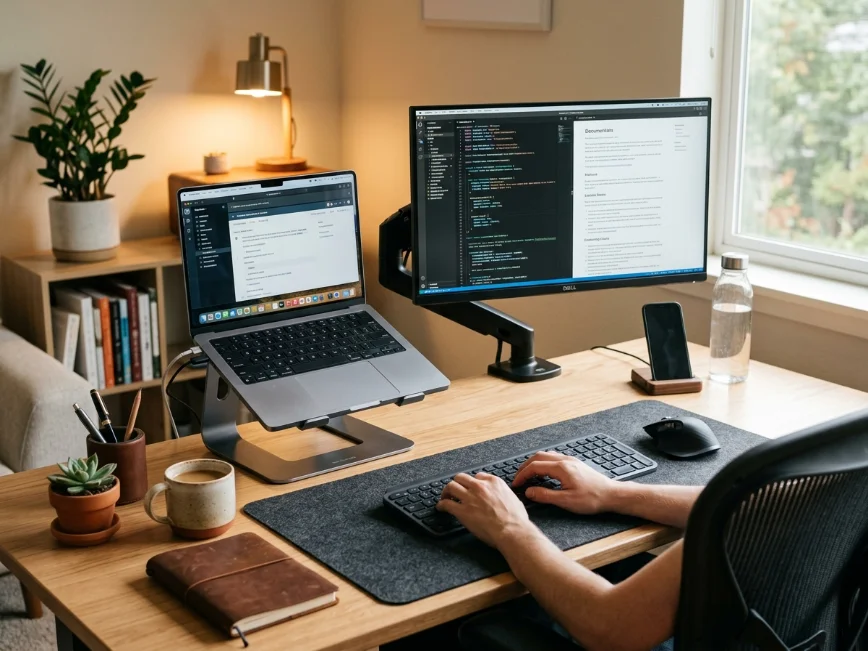
Natural light helps reduce eye strain and makes small office areas feel more open and comfortable. Positioning the desk beside a window usually works better than placing the screen directly in front of or behind the window, which can create glare problems.
Layered lighting also improves comfort significantly. A soft desk lamp helps during evening work sessions, especially compared to relying only on harsh overhead lighting.
Warm lighting tends to make home offices feel calmer and less clinical, particularly in multipurpose spaces like bedrooms or living rooms.
Good lighting affects both productivity and mood much more than most people expect.
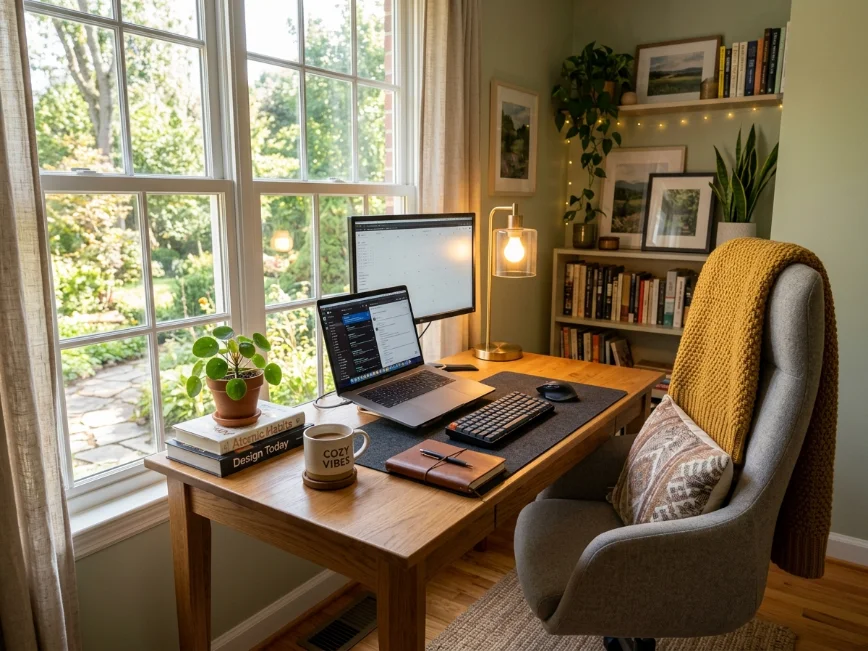
4. Desk Height Can Completely Change Comfort
A desk that sits too high or too low creates constant strain without people realizing it.
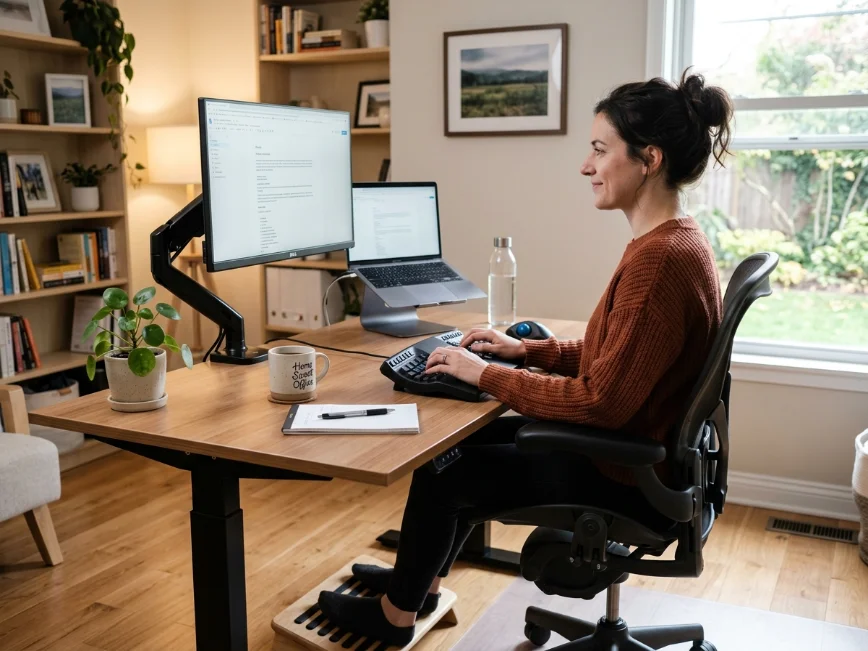
When your desk height works properly, your elbows should rest around a ninety-degree angle while typing, and your shoulders should stay relaxed instead of lifted upward.
My first desk looked great in photos but sat slightly too high for comfortable typing. I compensated by lifting my shoulders constantly throughout the day, which eventually created upper back tension that I blamed on stress instead of furniture.
Even small height adjustments help. Adjustable desks make the process easier, but simple solutions work too. Raising the chair and adding a footrest, adjusting keyboard placement, or slightly repositioning the monitor can improve posture dramatically.
Standing desks have also become popular for good reason. Alternating between sitting and standing throughout the day helps reduce stiffness and encourages more movement.
That said, standing all day is not automatically healthier. The real benefit comes from changing positions regularly instead of staying frozen in one posture for hours.
An ergonomic setup should support movement, not lock the body into one “perfect” position.
5. Keep Frequently Used Items Within Easy Reach
Ergonomics is not only about posture. It is also about reducing repetitive strain and unnecessary movement throughout the workday.
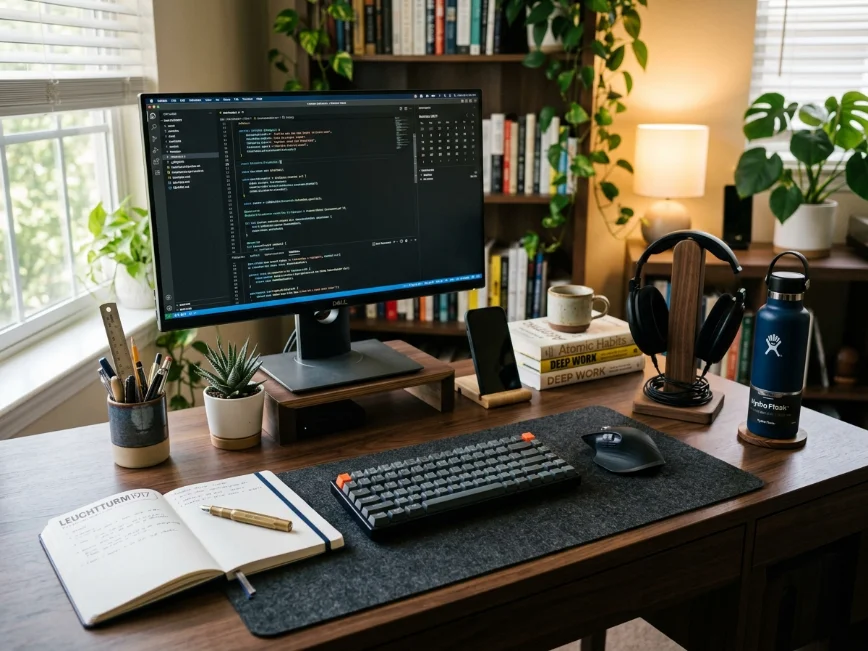
Pay attention to the items you reach for constantly. Your keyboard, mouse, notebook, water bottle, headphones, chargers, and frequently used supplies should stay easy to access without twisting awkwardly or leaning across the desk repeatedly.
I realized my old setup forced me to constantly rotate sideways to grab notebooks and chargers stored on a nearby shelf. That movement seemed insignificant until I noticed how often I repeated it every single day.
Rearranging the desk layout solved the problem immediately.
Desk organizers, monitor shelves, small drawer units, or pegboards can help create a more functional workflow without cluttering the workspace.
The goal is not creating a minimalist showroom desk where nothing exists on the surface. The goal is creating a setup that supports how you actually work every day.
Function matters more than appearance.
6. Do Not Ignore Cable Management
Cable clutter affects more than aesthetics.
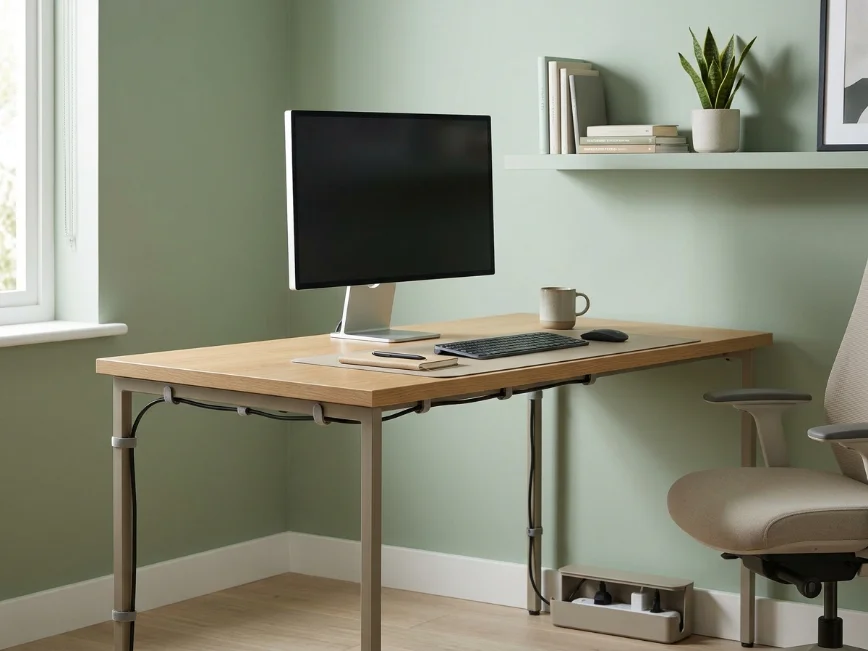
Messy cords create visual stress, make cleaning harder, and often reduce usable desk space. In smaller home offices especially, tangled cables can make the entire setup feel chaotic even when everything else stays organized.
For a long time, I ignored cable management because it felt unnecessary. Then one weekend I finally organized everything with a few adhesive clips and simple cable sleeves, and the desk instantly felt calmer and easier to use.
The improvement surprised me because nothing major changed structurally. The workspace simply felt less mentally cluttered afterward.
Basic cable trays under the desk, Velcro ties, or adhesive cord clips usually solve most problems affordably.
Wireless accessories can help too, although they are not essential for a clean-looking setup.
Sometimes the smallest visual improvements create the biggest psychological difference in how a workspace feels.
7. Add Comfort Without Turning the Space Into Clutter
A comfortable office should still feel personal.
Many ergonomic setups online end up looking cold and overly technical, especially when every decision focuses only on productivity. Real home offices feel better when they include some warmth and personality too.
Plants, framed artwork, soft rugs, candles, shelves, or textured curtains can make a workspace feel significantly more inviting without hurting functionality.
In my office corner, adding a small lamp, one plant, and a framed print made the space feel more relaxing immediately. I actually wanted to spend time there afterward instead of treating the desk like a temporary workstation.
The key is balancing comfort with practicality. Too many decorations quickly create distraction and clutter, especially in smaller rooms.
Choose a few personal elements that genuinely make the space feel calmer or more enjoyable to use.
A workspace should support mental comfort as much as physical comfort.
8. Build Movement Into Your Workday
Even the most ergonomic setup cannot completely cancel out the effects of sitting still for too long.
The biggest improvement I made was not actually buying equipment. It was building more movement into the workday itself.
Standing up regularly, stretching for a few minutes, walking during phone calls, and changing positions throughout the day reduced stiffness more than any accessory I purchased.
A perfectly ergonomic chair cannot fix six straight hours without movement.
Simple habits help more than people expect. Setting reminders to stand, keeping water farther away so you naturally walk more often, or taking short breaks between tasks can noticeably improve energy levels and reduce physical tension.
The best ergonomic home office setups support movement instead of encouraging people to stay locked in one position all day.
CTA
If you are planning to upgrade your home office soon, start with the changes that improve comfort the most for your daily routine instead of chasing a perfect setup online. And if you already made an ergonomic change that helped your workspace feel better, share it in the comments it might help someone else working from home too
Final Thoughts
Creating an ergonomic home office setup does not require expensive designer furniture or a dedicated office room.
Most of the time, small thoughtful adjustments make the biggest difference: better monitor height, improved lighting, supportive seating, smarter desk organization, and more movement throughout the day.
The goal is not creating a picture-perfect office for social media. The goal is creating a workspace that feels comfortable, practical, and sustainable for real daily life.
When your workspace supports your body properly, work becomes less physically draining and noticeably easier to manage over time.
If you are planning to improve your own home office setup soon, start with one or two small changes first. Even minor ergonomic upgrades can make a surprisingly big difference once you use the space every day.
